Market take
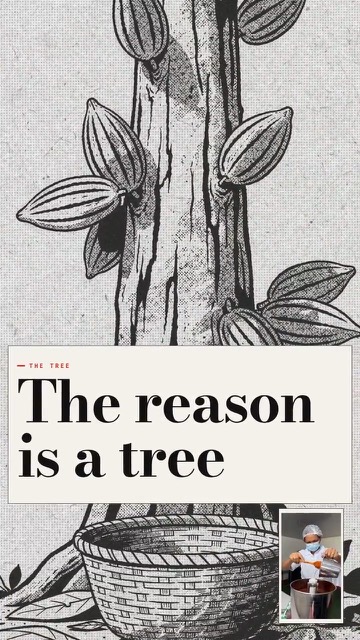
Financial Journal
Ultra · 9:16 or 16:9
Evidence-led reporting with documents, charts, archive and analysis.
For founders, investors and advisors
Film it once. Storias directs the video around your recording and puts the figures you say on screen, with the charts, documents and maps of the Ultra looks. Vertical for social, widescreen for YouTube.
Creator plan$34.99/month · 1,200 credits · About 13 videos a month
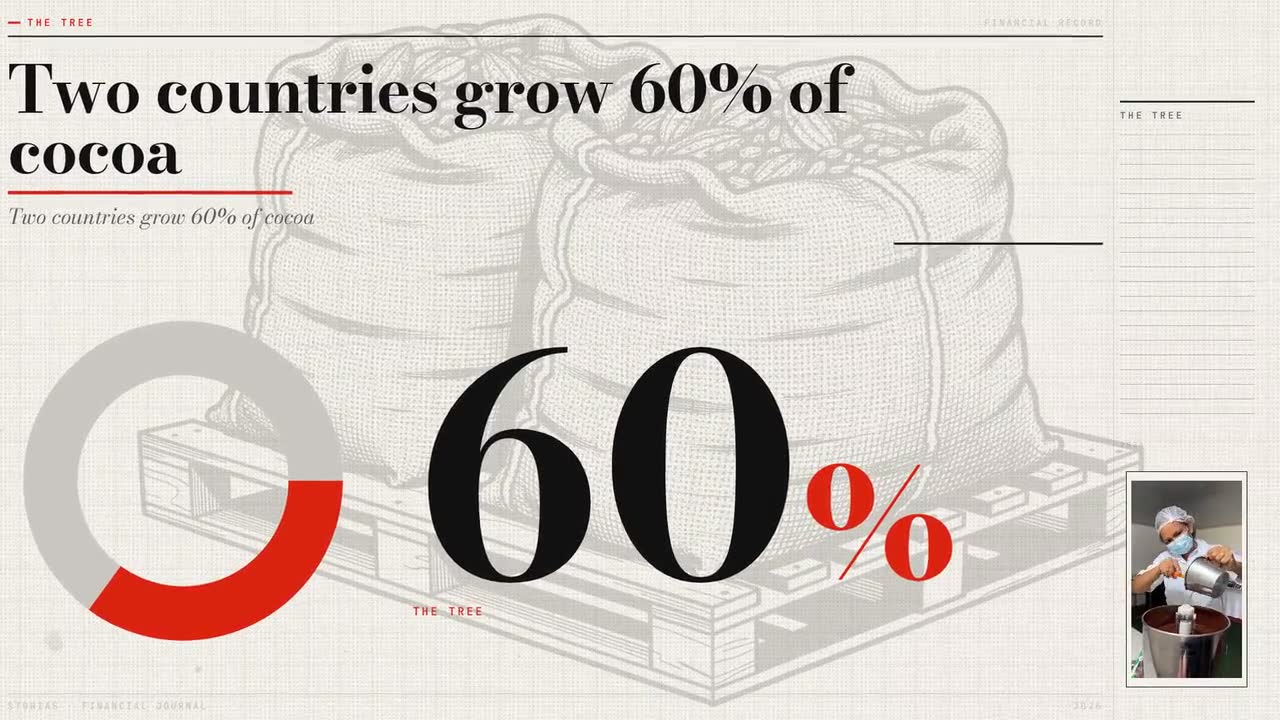
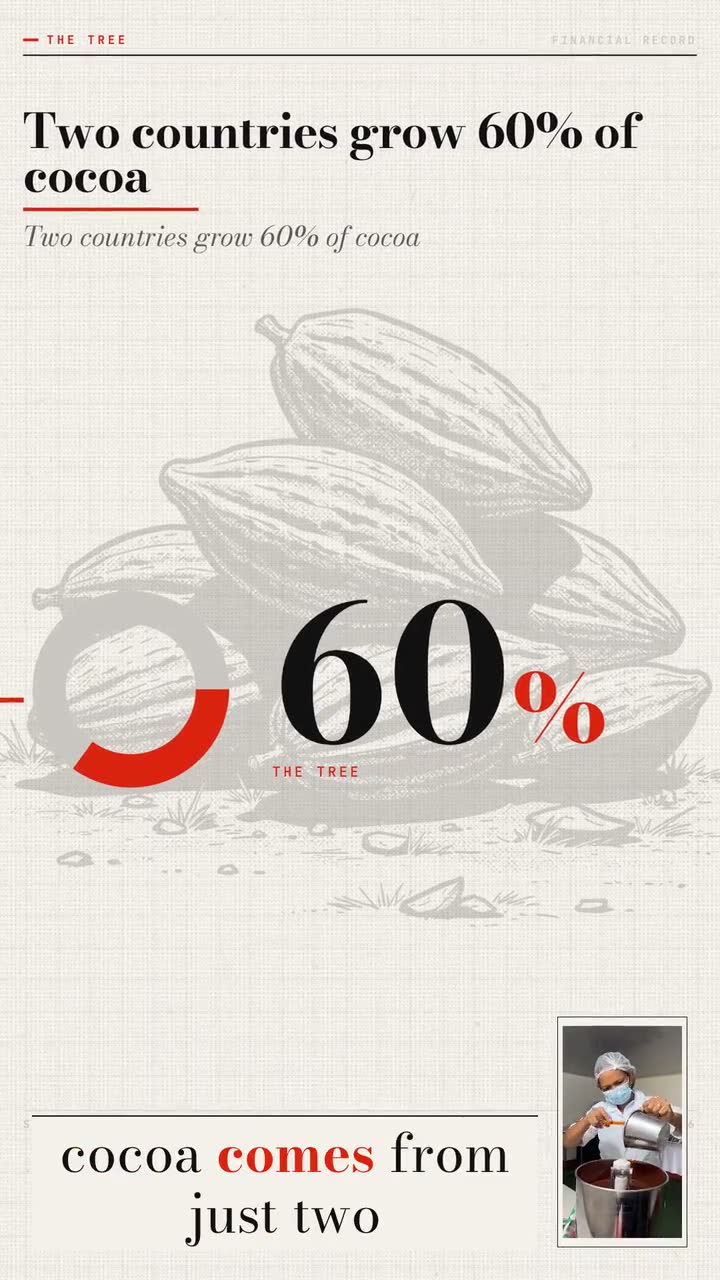
Example film · Financial Journal, in both canvases · Hover or tap a film for sound
The docket
Every look is in every plan. Ultra looks put the facts you mention on screen as charts, documents, maps and archive; Frame is a Captions style for what you built.
Market take
Ultra · 9:16 or 16:9
Evidence-led reporting with documents, charts, archive and analysis.
Fund update
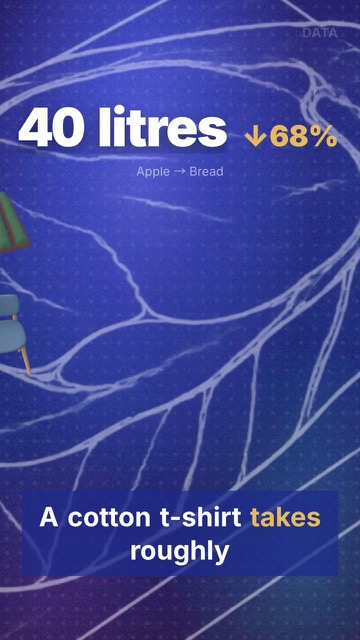
Ultra · 9:16 or 16:9
You on camera, with the factual charts beside you.
Portfolio news
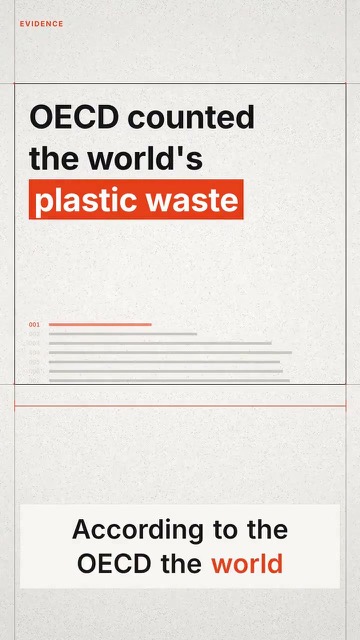
Ultra · 9:16 or 16:9
Source-first: documents, annotations, tables and claims you can back up.
Founder story
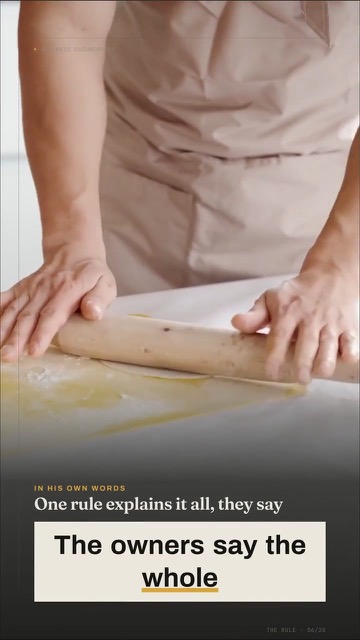
Ultra · 9:16 or 16:9
A company’s story as a cinematic case study, with footage and archive.
The product
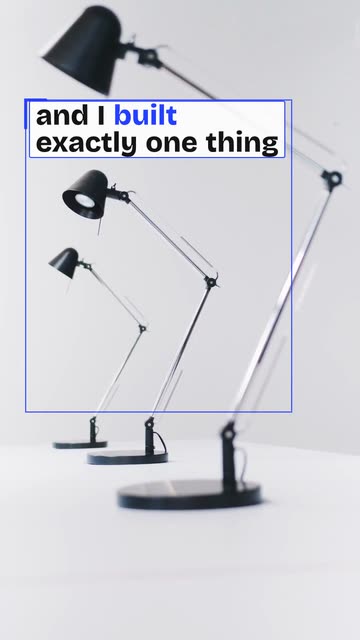
Captions · 9:16
For what you built: each line travels along the edge of the frame, every word swelling from thin to bold as you say it.
The rule on numbers
Storias checks your numbers against your words, not against the world. It can’t tell you whether a number is right, so review each film before you post it, and follow any disclosure or compliance rules that apply to you.
Who does what
Say it. Talk to your phone about the market, the fund, the deal or the company. Read from notes or the in-app teleprompter, or upload a clip you already have.
Writes word-accurate captions from your voice. You can correct any word before you render.
Pick a look: Financial Journal, Evidence, Data, Business Documentary or Frame.
Puts the figures you said on screen, and with Ultra looks finds or makes the charts, documents, maps and archive around them.
Download the HD file, with no watermark, and post it yourself: LinkedIn, YouTube, TikTok, Reels or Shorts.
Makes vertical 9:16 or, with an Ultra look, widescreen 16:9. Longer widescreen films get chapters with headlines.
The plan
Creator includes all the looks and both canvases. You pay per second of finished film, and a film that fails is never charged.
$34.99/month
1 credit buys 1 second of finished film. A film needs at least 15 credits.
Questions
Creator is $34.99/month and comes with 1,200 credits. About 13 videos a month. You pay per second of finished film: 1 credit buys 1 second, and a film needs at least 15 credits. A 90-second market take is 90 credits. A film that fails is never charged.
Against what you said, yes; against the world, no. Storias puts on screen the figures you say and drops any you didn’t. It can’t tell you whether a number is right, so review each film before you post it, and follow any disclosure or compliance rules that apply to you.
No. Your recording plays whole, and Storias directs the film around it: it writes the captions from your voice, puts the facts you say on screen and adds the look’s motion design. If you want to trim your clip, you do that yourself in the app’s Edit step before you pick a look. Storias doesn’t cut. You do, if you want to.
Yes. With an Ultra look you can make the film vertical (9:16) for social, or widescreen (16:9) for YouTube, your website or an email. Each finished film is charged by its own seconds.
One idea per film works best: a market take, a fund update, news from a portfolio company or your founder story. Talk to your phone camera, with notes or the in-app teleprompter if you like.
You do. Our Terms say you keep ownership of what you upload and of the films you make. Download it in HD with no watermark; commercial use is included in every plan. You post it yourself: Storias never posts or schedules for you.
Ready when you are
Say it once. The figures you said, and the charts and documents around them, go on screen.