Key terms
Words, written as you say them
Captions come from your voice and are word-accurate. Correct any word before you render.
For educators and course creators
Record the lesson the way you would teach it. Storias directs the video around your recording: captions from your voice, your numbers and steps on screen, and chapters for longer films.
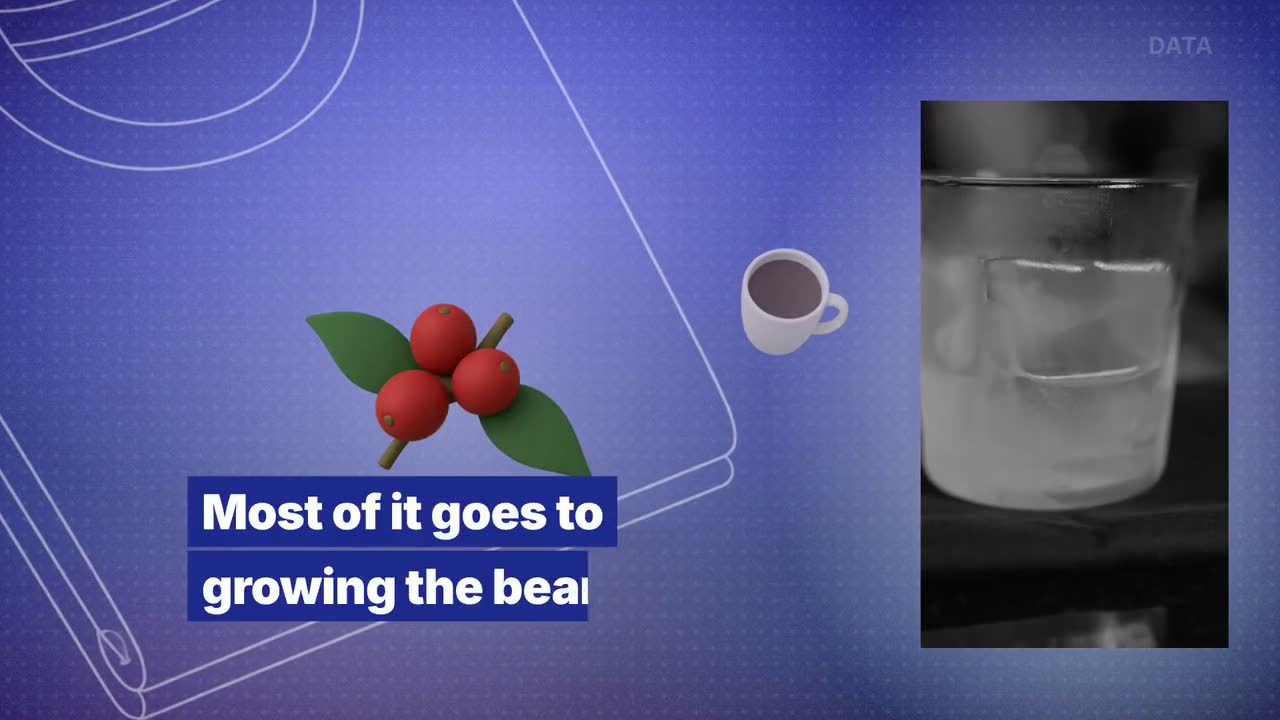
Example film · Data, widescreen · Hover or tap the film for sound
On the board
Key terms
Captions come from your voice and are word-accurate. Correct any word before you render.
Numbers
Your figures appear as factual charts beside you, checked against what you said.
Steps
Moves, tools and choices on screen, with the outcome visible.
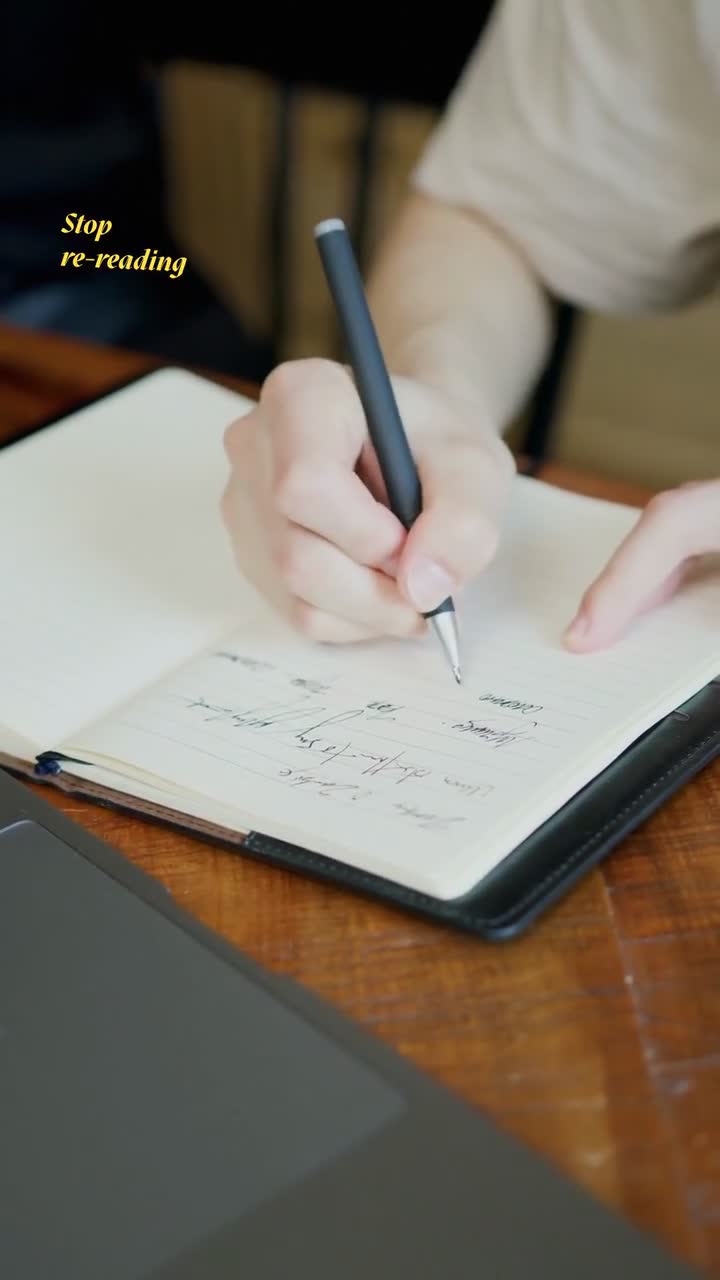
Captions · 9:16
Handwritten notes around you, with circles, arrows, underlines and highlights: the key term, the number, the step.
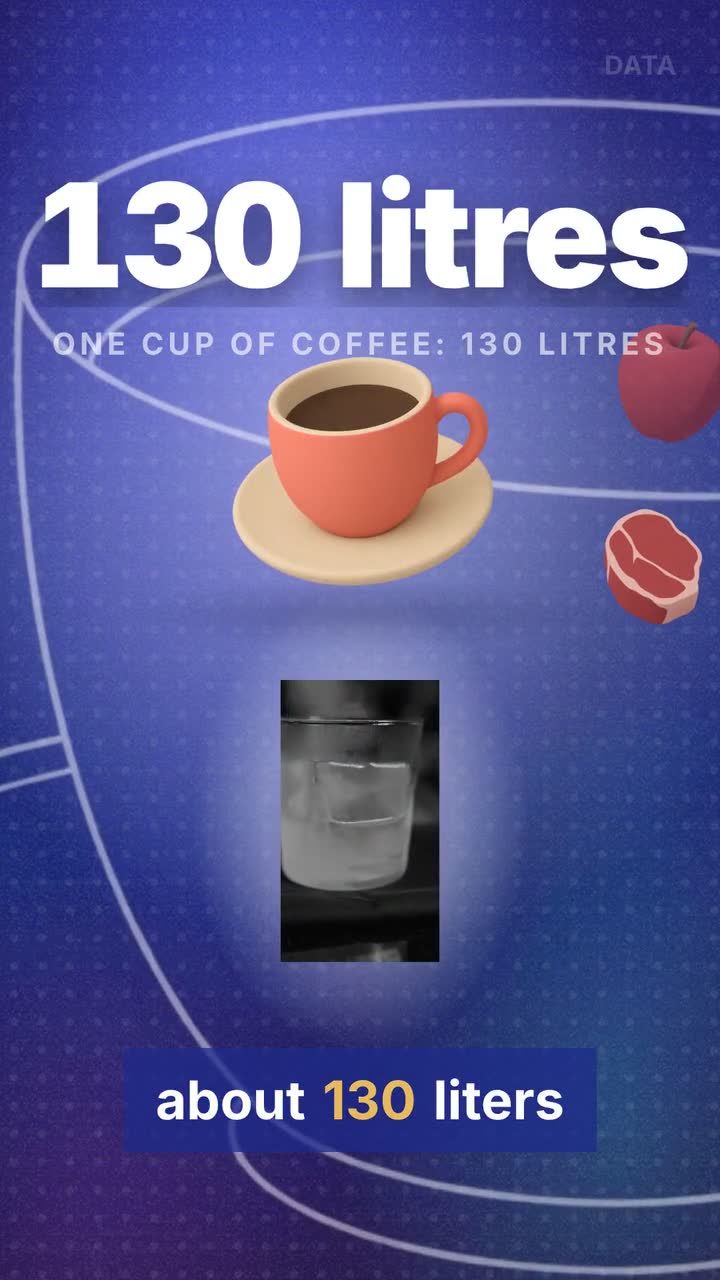
Ultra · 9:16 or 16:9
You on camera, with factual charts and source context beside you.
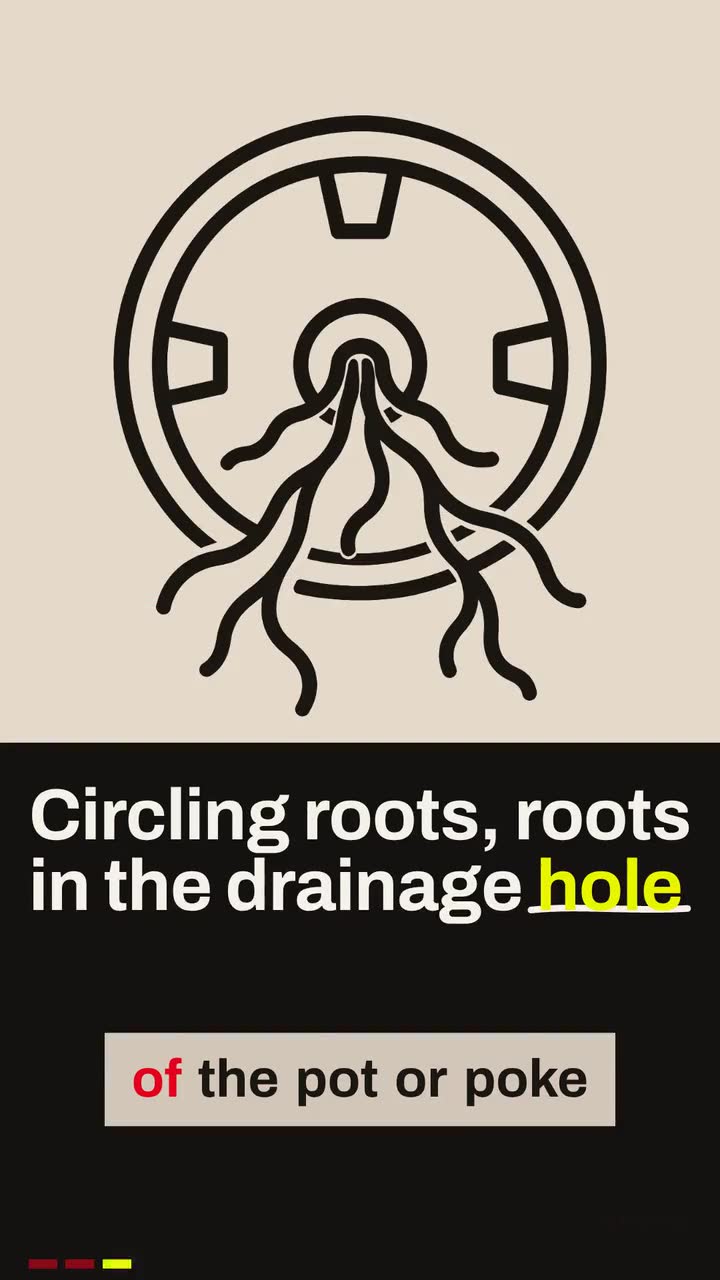
Ultra · 9:16 or 16:9
Step by step: moves, tools and choices, with visible outcomes.
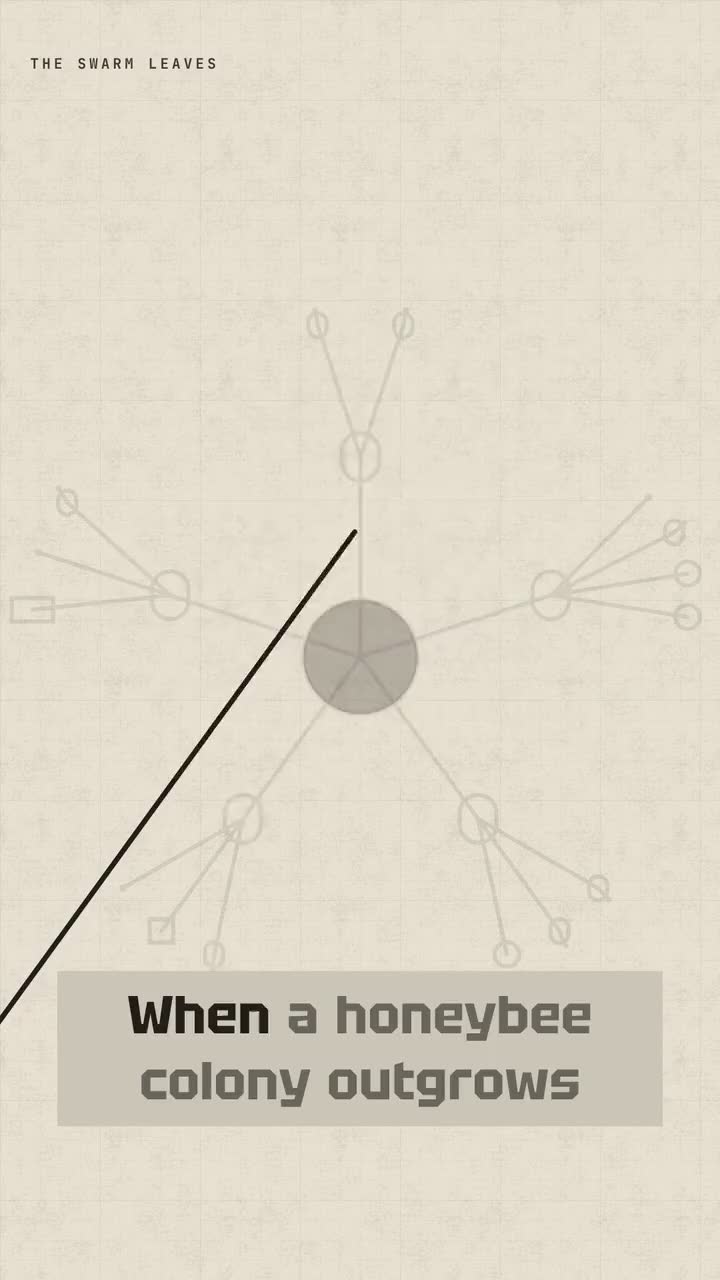
Ultra · 9:16 or 16:9
How ideas connect: systems, evidence and visual ideas.
Longer lessons
With an Ultra look, a long widescreen film gets chapters with clear headlines, so the structure of your lesson shows on screen. Each finished film is charged by its own seconds.
You download an HD file with no watermark and upload it anywhere that takes a video file.
The plan
Creator includes all the looks and both canvases. You pay per second of finished film, and a film that fails is never charged.
Creator
$34.99/month
1,200 credits · About 13 videos a month
1 credit buys 1 second of finished film. A film needs at least 15 credits.
Questions
Creator is $34.99/month and comes with 1,200 credits. About 13 videos a month. You pay per second of finished film: 1 credit buys 1 second, and a film needs at least 15 credits. A 2-minute lesson is 120 credits. A film that fails is never charged.
Teach one idea as if students were in front of you: explain it, give an example, show the number or the step. Read from notes or the in-app teleprompter, or upload a clip you already have. Speak clearly and naturally; Storias writes the captions from what you say.
No. Your lesson plays whole, and Storias directs the film around it: it writes the captions from your voice, puts the facts you say on screen and adds the look’s motion design. If you want to trim your clip, you do that yourself in the app’s Edit step before you pick a look. Storias doesn’t cut. You do, if you want to.
Yes. Captions are written from your voice and are word-accurate, and you can correct any word before you render. Once a film is finished it’s final, so give it a look first.
Anywhere that takes a video file: YouTube, Shorts, Reels, your course platform or your school’s site. Storias gives you an HD file, and you upload it where you like.
You do. Our Terms say you keep ownership of what you upload and of the films you make. Download them in HD with no watermark; commercial use is included in every plan. You post it yourself: Storias never posts or schedules for you.
Ready when you are
Teach it the way you would in class. The captions, the numbers and the steps on screen come from what you say.