

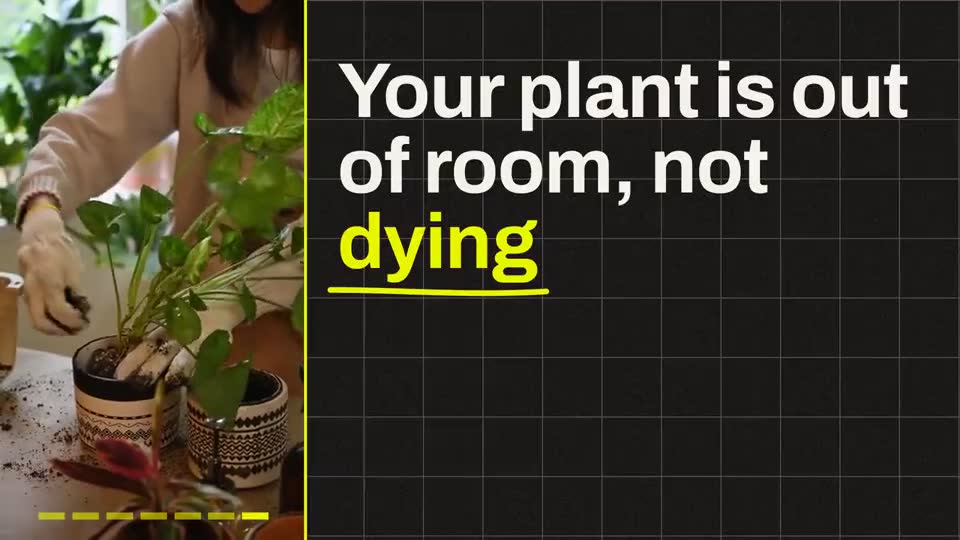
Start from something real.
Your own recording is the film’s starting point: your voice, your words, your performance. Storias directs around it.
InVideo generates video from a text prompt, and gives you a timeline editor to refine it. Storias starts from something real: your own recording, directed into a finished film.

A real Storias film. Hover or tap it to hear it.
Side by side
As of September 2026, from each company’s own pricing and feature pages. A filled mark means the tool does it.
| What it does | StoriasDirects your recording | InVideo AIPrompt-to-video generator |
|---|---|---|
| What goes in | ||
| Starts from | Yes: Your own recording: film it, read it off the teleprompter, or upload a clip | A text prompt, or your own footage in its editor |
| Who is on screen | Yes: You | Generated scenes, plus AI avatar and voice tools |
| What comes out | ||
| The AI’s job | Yes: Directs the whole film around your recording | Generates video and images with models such as Seedance and Nano Banana Pro |
| Your recording | Yes: Never edited or cut. Trim your clip yourself first. | A full timeline editor with color, audio and 3D tools |
| Pictures, charts, documents, maps | Yes: 12 Ultra looks add pictures, charts, documents and maps. Long widescreen films get chapters. | Premium stock footage: 100 on Starter, 200 on Plus |
| What it costs | ||
| What you pay for | Yes: Finished seconds: 1 credit = 1 second. A failed film is never charged. | Credits per seat: 400 a month on Starter |
| From | Yes: $9.99 a month (Starter, 400 credits) | $20 per seat a month (Starter) |
Facts about InVideo AI: invideo.io/pricing, as of September 2026. Facts about Storias: storiasai.com/pricing.
Why Storias
Your own recording is the film’s starting point: your voice, your words, your performance. Storias directs around it.
Prefer to work from a script? Read it off the teleprompter, then let Storias direct the recording into a film.

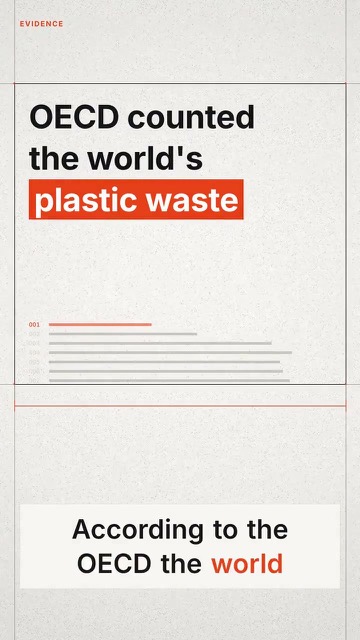
Every number on screen is one you said out loud. Storias doesn’t add figures of its own to your film.


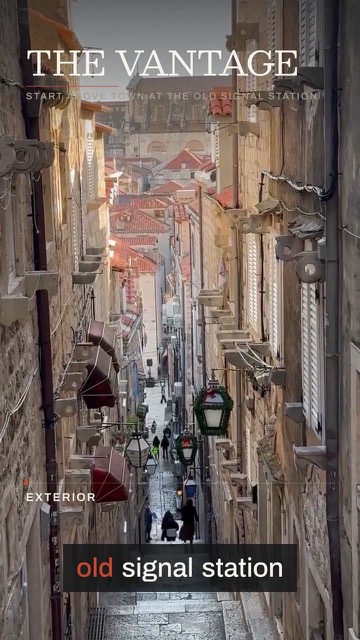
The 12 Ultra looks add the things you talk about, vertical or widescreen. Long widescreen films get chapters.
The honest answer
And when Storias is. Pick the tool that fits the job: these are the jobs each one is built for.
Pricing
Storias charges by the finished second. InVideo AI is priced as shown, as of September 2026.
400 credits a month, about 4 videos a month. Films up to 3 minutes. $8.99 a month billed yearly.
1,200 credits a month, about 13 videos a month. Films up to 6 minutes. $28.99 a month billed yearly.
3,200 credits a month, about 35 videos a month. Films up to 10 minutes. $74.99 a month billed yearly.
1 credit = 1 second of finished film. A 90-second film is 90 credits, and a failed film is never charged. Every plan includes HD with no watermark, and commercial use.
400 credits per seat a month. The same price billed monthly or annually.
2,000 credits per seat. $50 a month billed annually.
5,000 credits per seat. $100 a month billed annually.
InVideo says unused credits don’t roll over. Source: invideo.io/pricing, as of September 2026.
Questions
No. Storias starts from your own recording: film it, read a script off the teleprompter, or upload a clip.
Yes. It has a timeline editor, and its pricing page lists working with your own footage. It also generates video and images from a text prompt.
No. Storias directs your recording. The Ultra looks add pictures, charts, documents and maps around what you say.
Its pricing page lists Starter at $20 per seat a month (400 credits), Plus at $60 per seat a month, or $50 billed annually (2,000 credits), and Max at $150, or $100 billed annually (5,000 credits) (invideo.io/pricing, as of September 2026).
From you. The numbers on screen in a Storias film are only the ones you said.
No. A finished film is final. Trim your clip, correct any word and pick the colors before you render.
Ready when you are
Record or upload. Pick a look. Download in HD, with no watermark and commercial use on every plan.
Get started →InVideo AI is a trademark of its owner. Storias is not affiliated with it. What we say about InVideo comes from its own pricing and feature pages, as of September 2026.